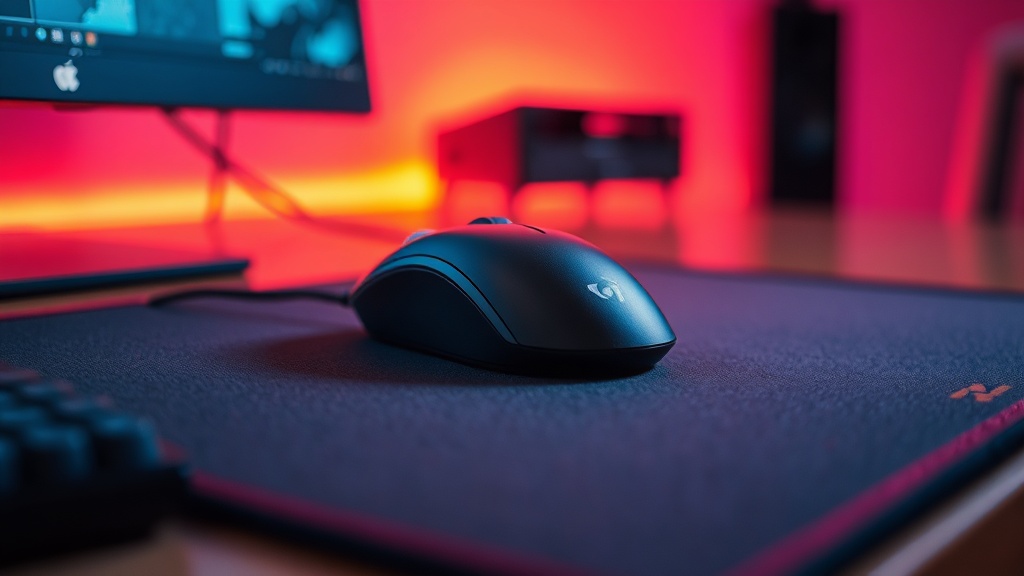
Fix Your Mouse Sensor Jitter with a Proper Mousepad

Quick Tip
A high-quality, consistent surface is just as important as your mouse sensor's DPI.
Imagine you're mid-clutch in a high-stakes tactical shooter. You flick to a target, but your crosshair jitters or skips a few pixels right at the moment of impact. It isn't your aim—it's your sensor losing its way. This post explains how a subpar mousepad surface causes sensor jitter and how to fix it with the right gear.
Why is my mouse cursor jittering?
Mouse jitter is usually caused by an inconsistent surface that prevents your sensor from reading movement accurately. When you use a cheap, uneven, or dirty mousepad, the optical sensor struggles to maintain a consistent distance from the surface. This leads to erratic cursor behavior—the technical term is "sensor noise." If you're playing on a bare desk or a thin piece of cloth, you're basically asking for trouble.
High-end sensors, like the PixArt PMW3389 found in many enthusiast mice, require a predictable surface to function. If the surface texture is too irregular, the sensor can't "track" properly. It's a hardware limitation, not a software bug.
What is the difference between speed and control pads?
Speed pads are designed for low friction to allow fast movements, while control pads offer more resistance for precision. Choosing the right one depends on your specific playstyle and the weight of your mouse.
| Type | Primary Benefit | Best For |
|---|---|---|
| Speed | Minimal friction | Tracking-heavy games (Apex Legends) |
| Control | High stopping power | Precision shooters (CS2/Valorant) |
| Hybrid | Balanced feel | General competitive play |
A common mistake is buying a "gaming" mousepad that is actually just a cheap piece of polyester. If your mousepad feels "scratchy" or the surface feels inconsistent under your hand, it's going to mess with your input latency and precision. I've seen players spend hundreds on a high-end mouse only to ruin the experience with a $5 generic pad.
How do I choose a high-quality mousepad?
Look for a pad with a consistent weave and a high-density rubber base to ensure stability. You want something that won't slide around your desk during an intense session. Brands like SteelSeries or Zowie are industry standards for a reason—they prioritize surface uniformity.
Check these factors before you buy:
- Surface Texture: Is it smooth or textured? (Avoid extremely irregular weaves).
- Edge Stitching: Stitched edges prevent the fabric from fraying over time.
- Base Material: A heavy rubber base prevents the pad from lifting during fast swipes.
Don't forget to clean your pad. A dirty mousepad is a major source of sensor jitter. Dust and skin oils build up, creating "dead spots" on the surface. If you notice your aim getting worse over time, it might be time for a deep clean or a replacement. If you're already dealing with input issues, you might also want to look into understanding input latency to see if the problem is actually your monitor or your peripheral setup.