Refund Windows Are Traps by Design: My 2026 Cross-Store Survival Card (Steam, PlayStation, Xbox, Nintendo, Epic)

Refund Windows Are Traps by Design: My 2026 Cross-Store Survival Card (Steam, PlayStation, Xbox, Nintendo, Epic)
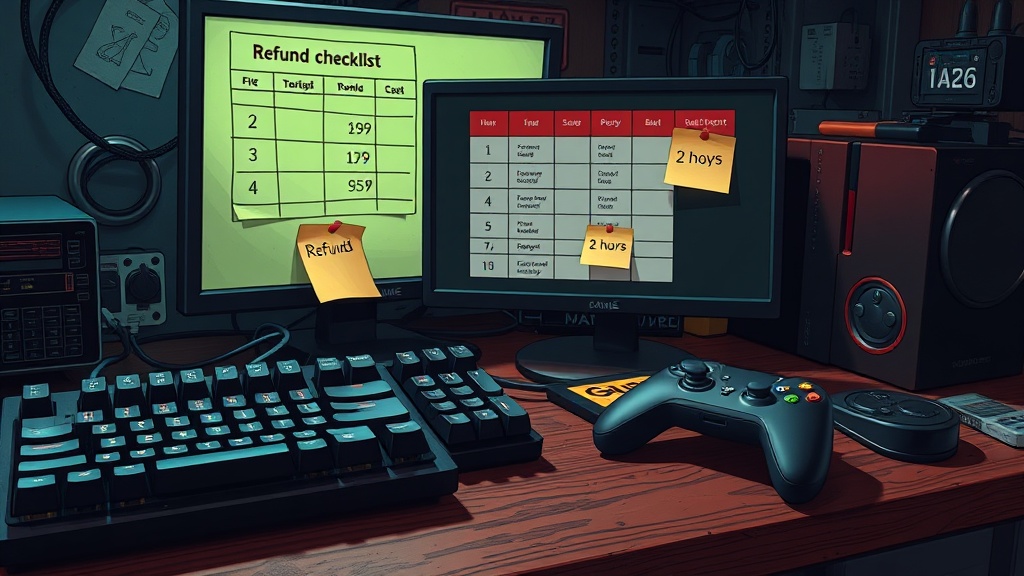
Most players lose refunds because they treat policies like customer service promises.
They are not promises. They are legal filters.
If you care about your money, stop guessing and run this like a QA checklist.
Policy snapshot date: March 13, 2026 (United States).
The 60-Second Reality Check
| Store | Baseline digital refund rule (US) | What usually kills your refund |
|---|---|---|
| Steam | Usually eligible within 14 days of purchase and under 2 hours of playtime. | Crossing either limit, consumable DLC states, or VAC-ban edge cases. |
| PlayStation Store | Usually cancel within 14 days if you have not started download/stream. | Auto-download starts, in-game consumables delivered, wallet top-ups. |
| Xbox / Microsoft Store | Microsoft states digital goods generally are not refundable unless offer/law allows; Xbox provides a refund request flow. | Assuming entitlement instead of submitting quickly with evidence. |
| Nintendo eShop | Digital payments are generally final and non-refundable except where required by law. | Buying first, researching second. |
| Epic Games Store | PC/Mac: generally 14 days + under 2 hours runtime for refundable items. Mobile: short 2-hour window for refundable items. | Buying non-refundable SKUs or passing runtime/window limits. |
My 15-Minute Refund Triage (Run This Before You Touch Settings)
1) Freeze activity immediately (2 minutes)
- Stop launching the game.
- Turn off auto-download/auto-update on your platform.
- Do not buy DLC "to fix" your regret.
2) Capture evidence (3 minutes)
- Screenshot purchase timestamp.
- Screenshot runtime / "hours played".
- Screenshot the fault: crash, performance spikes, missing content, or broken matchmaking.
3) Classify your purchase (3 minutes)
- Base game
- DLC
- In-game currency / consumable
- Pre-order / early access
If you classify wrong, you quote the wrong policy and support closes your request fast.
4) Submit in-platform first, then escalate once (4 minutes)
- Use the official refund path first.
- Keep the message technical and short: what failed, what you tried, what happened.
- If denied and you are still inside policy boundaries, submit one escalation with your screenshots attached.
5) Log outcome and lock a buying rule (3 minutes)
- If approved: record why.
- If denied: set a hard rule (example: "No day-one buy unless there is a demo or trusted benchmark data").
This is how you avoid paying tuition to the same mistake twice.
The Store-by-Store Playbook
Steam
- Best mainstream self-service policy for PC players, but the clock is strict.
- The cleanest path is: request fast, keep playtime low, avoid messy DLC consumption states.
- If a game gets patched into shape after your refund window, that does not retroactively help you.
Official policy: https://store.steampowered.com/steam_refunds/
PlayStation Store
- The practical risk is auto-download. If content starts pulling, your options shrink fast.
- For pre-orders, cancel before release whenever possible; after release, your room narrows.
- Wallet top-ups are treated differently from game purchases and are generally non-refundable.
Official policy: https://www.playstation.com/en-us/legal/playstation-store-cancellation-policy/
Xbox / Microsoft Store
- Do not treat this like Steam. Microsoft language is stricter on digital goods, and outcomes are more case-dependent.
- Submit through the Xbox refund request path quickly and include clear technical failure notes.
- If approved, process timing can vary; Microsoft notes requests may take around 72 hours to process.
Official references:
- https://support.microsoft.com/en-us/account-billing/get-a-refund-for-apps-and-games-purchased-from-microsoft-store-81629012-aa4f-f48b-2394-8596f415072b
- https://www.xbox.com/en-US/legal/web-purchase
Nintendo eShop
- Nintendo’s US digital policy is blunt: generally final and non-refundable.
- This is the storefront where pre-purchase discipline matters most.
- My rule: no Nintendo digital buy until I’ve seen real gameplay performance and player reports.
Official policy: https://www.nintendo.com/us/refund-return-policy/digital-products/
Epic Games Store
- If the item is marked refundable/self-refundable, the path is straightforward.
- On PC/Mac, the usual guardrails are 14 days and under 2 hours runtime.
- On mobile, the window is much tighter, so buyers need same-day discipline.
Official policy: https://legal.epicgames.com/en-US/store/refund-policy
Wallet-to-Value Verdict
If you are a working player with limited budget, digital stores are not "try before you buy" systems.
They are "buy with evidence or eat the loss" systems.
My standing rule for 2026: no full-price purchase without one of these three safety nets:
- A refundable policy path I can still satisfy after first boot.
- A real demo/trial.
- Trusted day-one performance data on my class of hardware.
No safety net, no sale.