Stop Blaming Your GPU: The 25-Minute Shader Stutter Triage I Run Before I Refund a PC Game

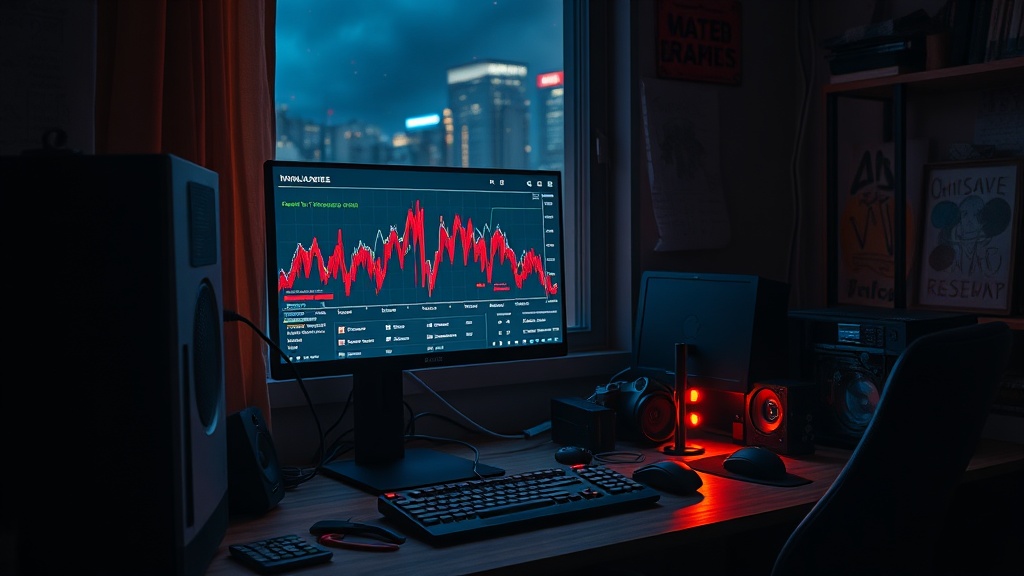
Stop Blaming Your GPU: The 25-Minute Shader Stutter Triage I Run Before I Refund a PC Game
You paid for a game, not a slideshow with mood lighting.
When a new release hitches every time you enter a new area, most people do one of two bad things: blame their hardware immediately, or start random "optimization" voodoo from forums. Both waste time.
This is the 25-minute triage I use at the repair bench before I tell anyone to keep, fix, or refund a PC game.
What this triage is for
This routine is for a specific symptom:
- Average FPS looks decent
- Frame-time graph has sharp spikes
- Stutter happens on first-time effects, new zones, or combat effects
That pattern usually means shader compilation pain, bad cache state, or broken post-patch files. Not necessarily a dying GPU.
The 25-minute routine
Minute 0-3: Confirm it is stutter, not low performance
Run the game with a frame-time overlay (Steam, RTSS, or your GPU overlay). Ignore the average FPS number for now.
What you care about:
- Stable frame-time line = generally smooth
- Repeating spikes every few seconds = stutter problem
- Giant spikes during first-time effects = likely shader behavior
If your frame-time line is constantly jagged, lower settings first. If it is mostly clean with occasional spikes, continue.
Minute 3-8: Kill fake bottlenecks
Before touching caches, remove obvious self-inflicted wounds:
- Disable browser tabs, launchers, RGB junk, and background recording apps
- Turn off overlays you do not need
- Make sure the game is on SSD, not a nearly full HDD
- Reboot once if uptime is absurd
If stutter drops hard after this, congratulations: the bottleneck was your software pile, not the game.
Minute 8-13: Rebuild shader-related caches (safely)
Now clear stale cache paths that commonly break after big patches or driver swaps.
- Clear DirectX shader cache in Windows Disk Cleanup
- For NVIDIA users: clear relevant NVIDIA shader cache folders, then keep Shader Cache setting at driver default
- For AMD users: run "Reset Shader Cache" in Adrenalin
Then reboot.
Important: first run after this may stutter while caches rebuild. Judge on second pass through the same area.
Minute 13-18: Verify game files and check patch integrity
Run file verification in your launcher (Steam/Epic/etc.).
A surprising number of "my GPU is cooked" reports are just one corrupted post-patch file causing constant recompilation or asset hitches.
If verification redownloads files, retest the same scene.
Minute 18-22: Control variables with one known-good settings pass
Use one clean test profile:
- 1080p
- Upscaler off (for this test only)
- Frame cap to 60
- Medium preset
- Ray tracing off
This is not your final quality target. It is a diagnosis profile.
If stutter is still severe here, the issue is likely game-side optimization, streaming logic, or CPU-side traversal spikes.
Minute 22-25: Keep or refund decision
Use this rule, no emotions:
- Stutter improved clearly after cache/file fixes: keep and tune
- Stutter remains severe in repeatable scenes on sane settings: refund window is a consumer tool, use it
- Stutter only exists during first-time traversal and smooths after warm-up: keep if the game stays stable afterward
My blunt take on shader stutter in 2026
Studios still ship PC builds that feel like paid shader lab sessions, then act shocked when users hammer refund buttons. If your game needs two hours of player-side troubleshooting before it feels stable, that is not "PC complexity." That is launch quality debt.
Players are not unpaid QA. Your hardware is not guilty by default. Run the triage once, collect evidence, and make a wallet-first decision.
Quick checklist (save this)
- Capture frame-time behavior, not just FPS
- Remove background noise
- Clear shader caches and reboot
- Verify files after patches
- Retest same scene with controlled settings
- Decide: keep, tune, or refund
If enough of us stop tolerating broken PC launches, the suits eventually hear the only language they respect: conversion and refund rates.