Stop Buying Broken PC Ports: How to Actually Evaluate Performance Before You Waste $70

Look, I’m going to save you some money right up front: most PC ports at launch are not worth full price. Not because the game design is bad—but because the code is unfinished. I’ve spent the last few weeks stress-testing recent releases across mid-range and high-end rigs, and the pattern hasn’t changed. Stutter, shader compilation spikes, CPU bottlenecks in crowded areas—it’s all still here.
This isn’t a rant. It’s a checklist. If you’re going to spend $70, you need a system for spotting broken ports before they hit your wallet.
The Problem: Launch Day Is Still Paid Beta
Real talk. Launch day is no longer a finished product—it’s a milestone for the marketing team. The devs know it. QA knows it. You just don’t see the bug tracker.
What actually ships is often a build that technically runs, but collapses under real-world conditions:
- Shader compilation stutter every time you enter a new area
- Traversal stutter caused by asset streaming issues
- CPU thread imbalance leading to inconsistent frame pacing
- DRM overhead that tanks performance on mid-range systems
And here’s the part nobody tells you: these issues don’t show up in trailers or review events. They show up after 20+ hours, when systems start to stress.
Let’s Look Under the Hood: What Actually Matters
If you take one thing from this post, it’s this: average FPS is useless on its own.
A game can report 60 FPS and still feel terrible. Why? Frame-time consistency.
Frame-Time, Not Frame Rate
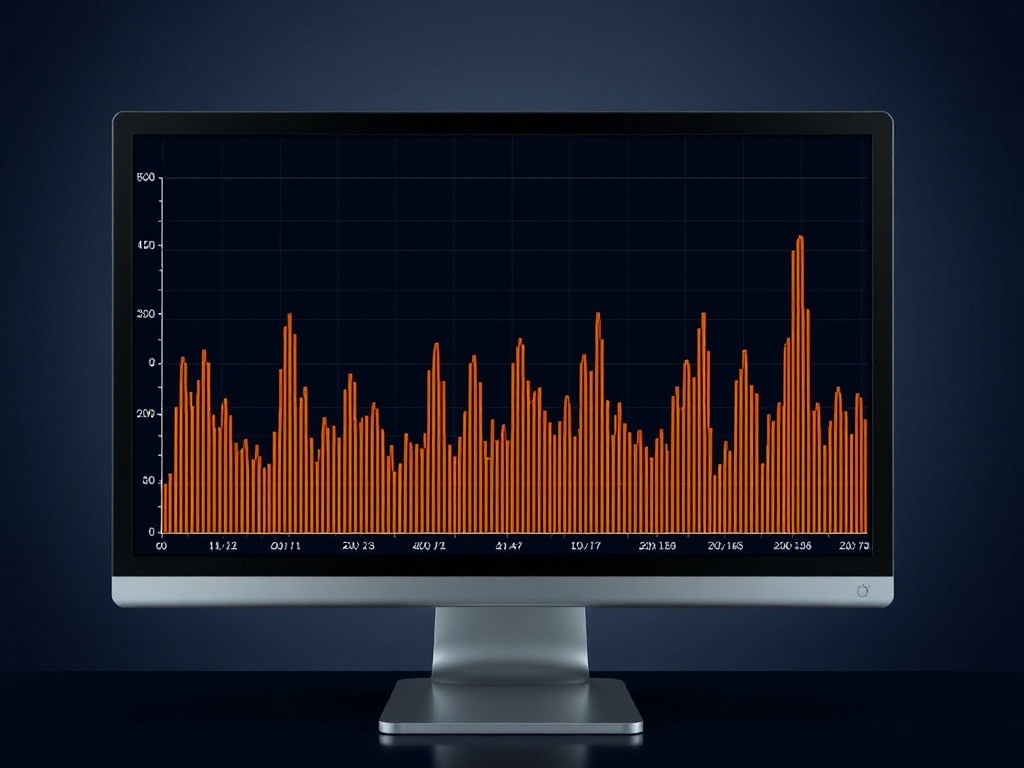
Frame-time measures how long each frame takes to render. What you want is consistency—flat lines, not spikes.
Those spikes? That’s what your brain interprets as stutter.
- Good: consistent 16.6ms frame-time (60 FPS stable)
- Bad: fluctuating between 10ms and 40ms (feels like hitching)
If a reviewer isn’t showing frame-time graphs, they’re guessing. Period.
CPU vs GPU Bottlenecks
Here’s where most ports fall apart.
You’ll see GPU usage sitting at 60–70% while the CPU is pinned. That’s bad threading. The engine isn’t distributing workload properly.
Result: inconsistent performance regardless of how powerful your GPU is.
Shader Compilation: The Silent Killer
If the game compiles shaders on the fly instead of pre-caching them, you’re going to get stutter. Every new effect = hitch.
There’s no workaround. It’s an engine-level issue.
My Test Bench (So You Know This Isn’t Guesswork)
I don’t run this on a single machine and call it a day.
- Primary Rig: Ryzen 7 5800X, RTX 3080, 32GB RAM
- Mid-Range Test: Ryzen 5 5600, RTX 3060, 16GB RAM
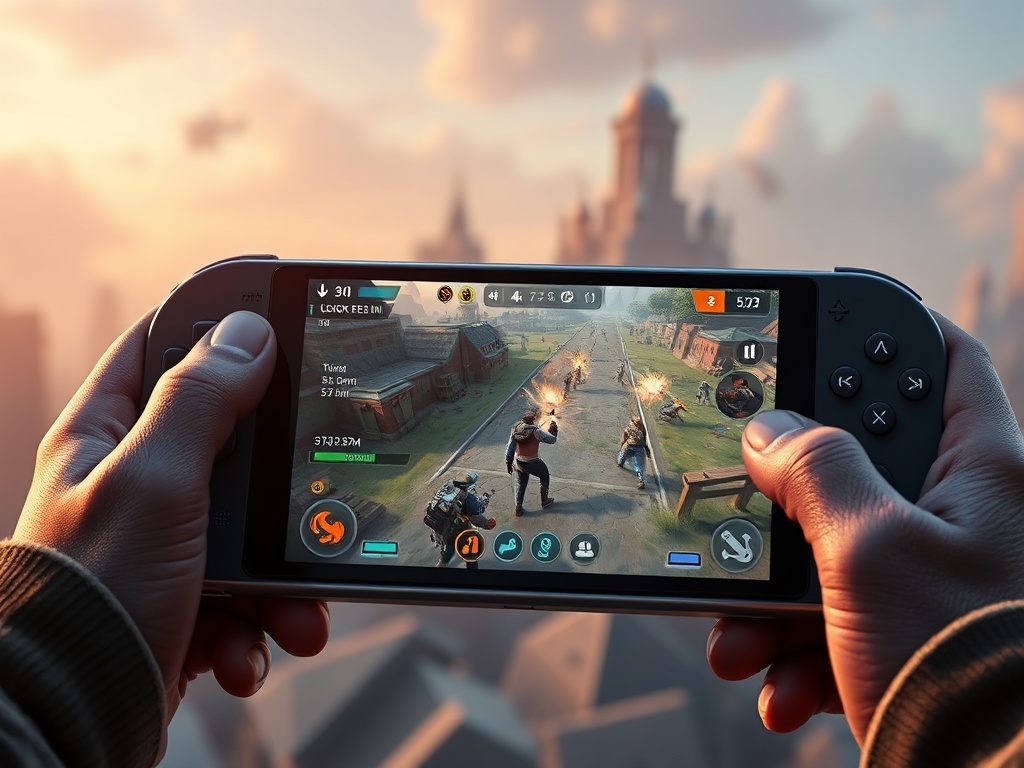
- Handheld: Steam Deck (stock OS, no tweaks)
All testing is done on "Hard" difficulty. Why? Because AI density and system pressure go up, and weak optimization gets exposed fast.
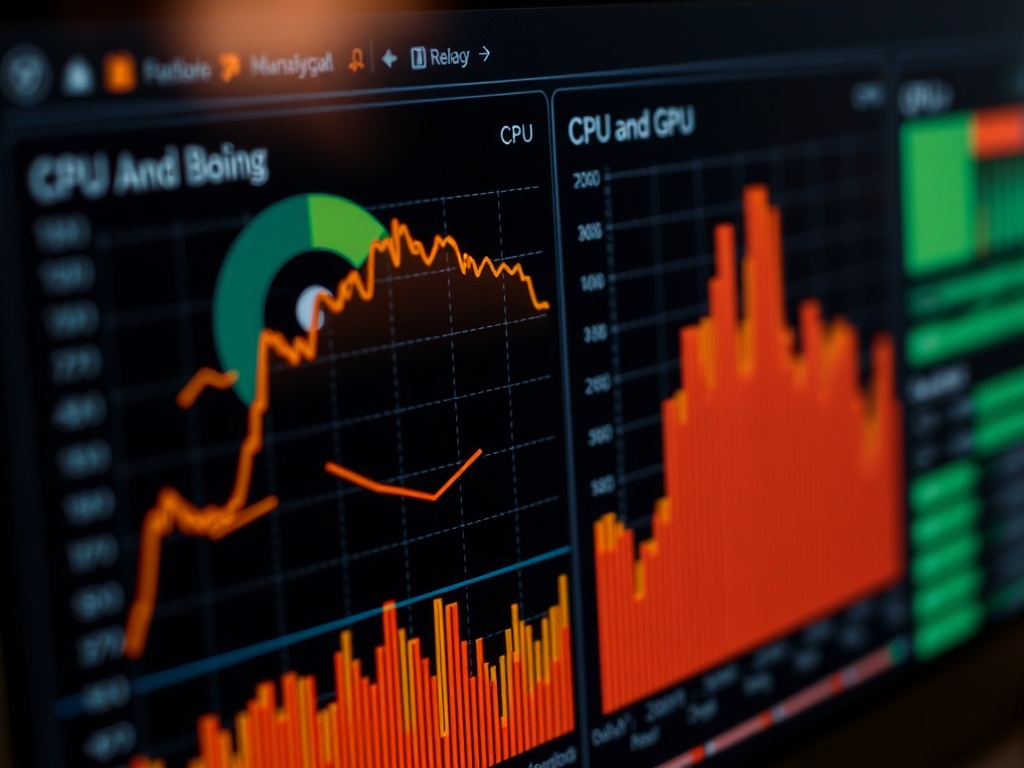
I log frame-times, CPU thread utilization, and GPU load over extended sessions. Not 30 minutes. We’re talking multi-hour runs.
The Steam Deck Litmus Test
If a game can’t maintain a stable experience on the Steam Deck at reasonable settings, something’s wrong.
I’m not asking for 60 FPS. I’m asking for consistency.
Too many PC ports fail here because they rely on brute-force desktop hardware instead of efficient optimization.
If it stutters on Deck, it’s going to feel worse on your mid-range desktop than you think.
The Pre-Buy Checklist (Use This Before You Spend Anything)
Here’s the system I use before recommending anything at full price:
- Frame-Time Data Available? If not, wait.
- CPU Scaling Tested? Check mid-range benchmarks, not just 4090 builds.
- Shader Compilation Confirmed? Look for reports of stutter in first few hours.
- Steam Deck Performance? Even if you don’t own one, it’s a great optimization indicator.
- Patch Roadmap? If the devs are already promising "performance fixes," you’re early.
If you can’t answer these, you’re buying blind.

The $70 Reality Check
Here’s the uncomfortable truth: most AAA games are not worth $70 at launch.
Not because they’re bad—but because they’re incomplete from a technical standpoint.
You’re paying a premium to troubleshoot their engine.
Six months later?
- Major patches stabilize performance
- Drivers improve compatibility
- Price drops 30–60%
Same game. Better experience. Less money.
Wallet-to-Value Ratio
Let’s be clear:
- Launch State: 6/10 (performance instability, inconsistent frame pacing)
- Post-Patch (6 months): 8/10 (assuming fixes land)
- Price Justification at Launch: No
- Price Justification at 50% Off: Yes
You’re not just buying a game—you’re buying a version of that game. And at launch, that version is usually the worst one.
The Verdict
Wait.
Not because the game might be bad—but because the code isn’t ready.
If you respect your time and your hardware, you stop buying PC ports at launch unless they prove stability on day one.
Let the patches land. Let the data come in. Then decide.
Because right now? You’re not missing out. You’re just avoiding being QA for free.
FAQs
How long should I wait before buying a PC port?
Minimum 1–3 months. Ideally 6 months if the game launches with known performance issues.
Is high FPS enough to judge performance?
No. Frame-time consistency matters more. A stable 60 FPS feels better than a fluctuating 90 FPS.
Do patches really fix most PC performance issues?
Usually, yes—but not always. Engine-level problems can persist, which is why waiting for verified improvements matters.