The One Setting That Fixes 80% of PC Stutter (And Why Most Games Get It Wrong)

Quick Tip
Cap your FPS slightly below your monitor’s refresh rate to stabilize frame pacing and eliminate most microstutter.
Look, if your game "feels" bad but your FPS counter says 60, you're not crazy. You're looking at a frame-time problem, not a frame-rate problem. And there's one setting that fixes more of these issues than anything else—but most players either ignore it or actively make it worse.
This isn't theory. This is after years of QA work and way too many late nights staring at frame-time graphs instead of actually enjoying the game.
The Problem: You're Measuring the Wrong Thing
Most people chase FPS. 60, 120, 144. Nice clean numbers. Easy to market. Easy to misunderstand.
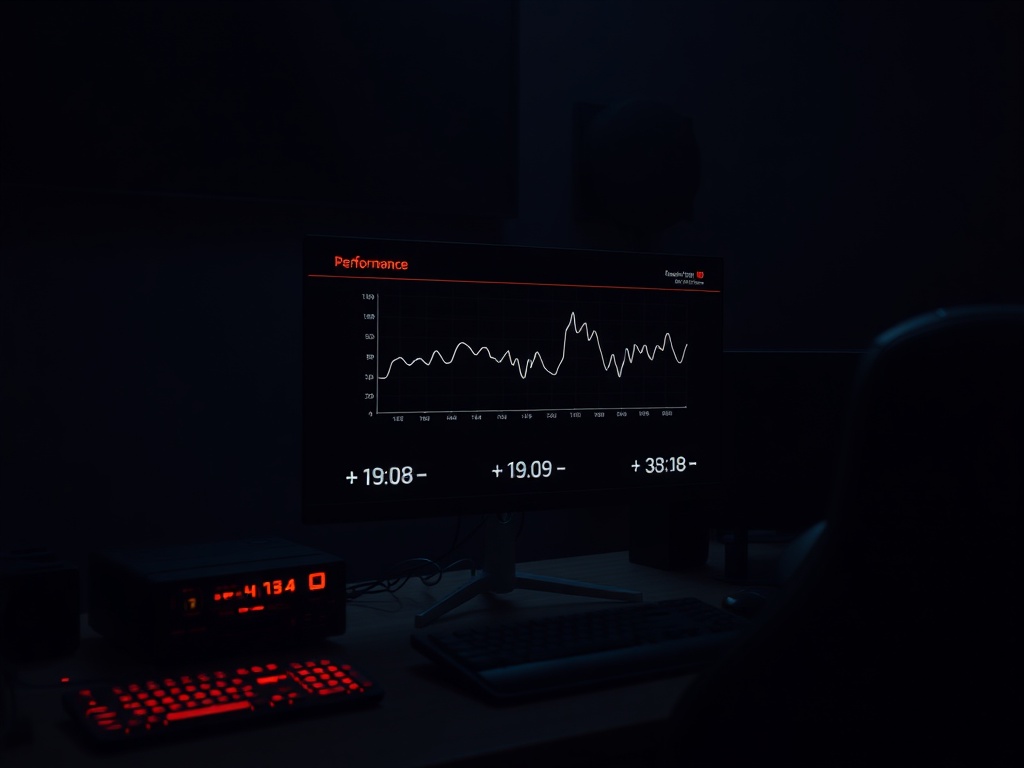
Real talk: FPS doesn't tell you if a game is smooth. Frame-time consistency does.
You can have a "locked" 60 FPS with 16ms spikes every few seconds and the game will feel like it's hitching. That's because your GPU is delivering frames inconsistently, even if the average looks fine.
That's what your brain picks up. Not the average. The spikes.
So if you're tweaking settings and nothing feels right, it's because you're solving the wrong problem.

The Fix: Cap Your Frame Rate (Yes, Lower It)
Here's the tip: cap your frame rate slightly below your monitor's refresh rate.
Not equal. Below.
If you're on a 60Hz display, cap at 58 or 59. If you're on 144Hz, try 140–142.
Why? Because it gives your system breathing room. You're preventing the GPU from slamming into a hard limit and causing frame pacing issues.
Let's look under the hood:
- Uncapped FPS = GPU spikes, inconsistent delivery
- Hard V-Sync cap = input lag + potential stutter
- Slightly under cap = stable frame pacing
You're basically telling the system: "Stay in your comfort zone."
Why V-Sync Alone Isn't Enough
V-Sync sounds like the fix. It isn't. Not by itself.
V-Sync forces your GPU to match the monitor's refresh cycle, but it does it bluntly. If your system misses a frame window, it doesn't degrade gracefully—it drops hard. That's where the classic stutter comes from.
And then there's input latency. You feel it. Especially in shooters.
The better setup looks like this:
- In-game FPS cap slightly below refresh rate
- V-Sync ON (as a safety net)
- Optional: Adaptive sync (G-Sync / FreeSync) if you have it
This combo stabilizes delivery instead of forcing it.
The Mistake Everyone Makes
They max everything out and chase the highest number possible.
That's marketing brain. Not engineering.
Look, your GPU isn't a robot. It's a workload pipeline. When you run it at 99% utilization constantly, there's no headroom for spikes—no margin for complex scenes, particle effects, or CPU sync hiccups.
So what happens?
- Frame-time spikes
- Microstutter
- "Why does this feel bad even though I'm at 90 FPS?"
Because consistency beats peaks. Every time.
Hardware Context (Because It Matters)
Tested across multiple rigs:
- Ryzen 7 5800X + RTX 3080 (32GB RAM)
- Ryzen 5 3600 + GTX 1660 Super (16GB RAM)
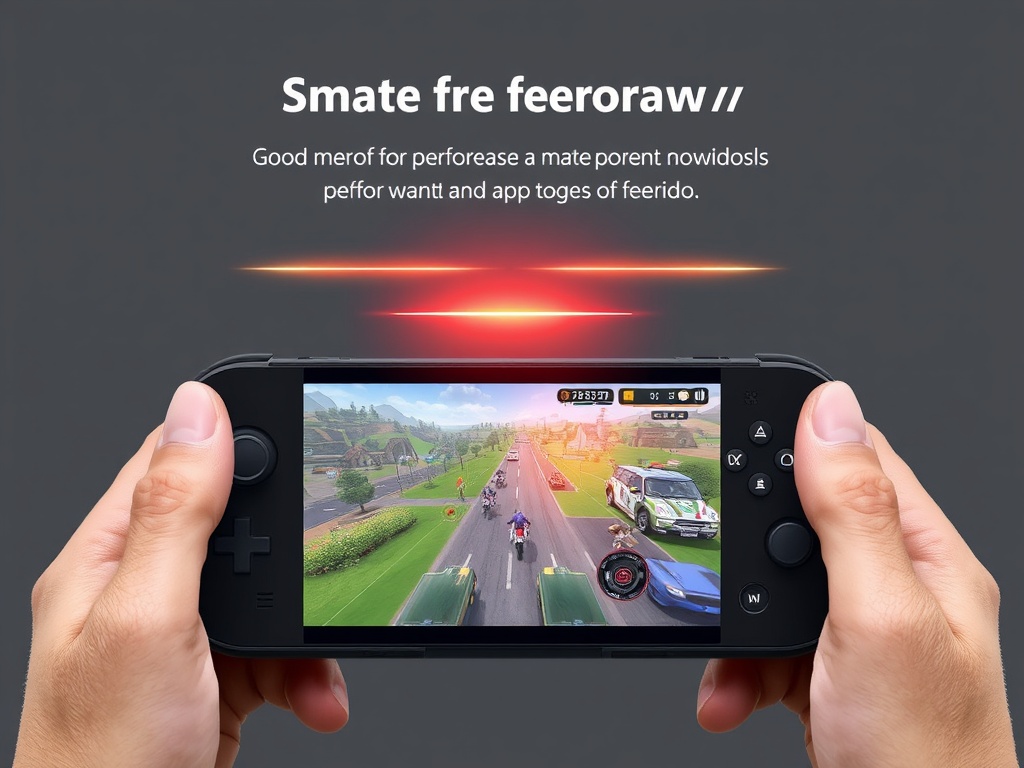
- Steam Deck (stock OS)
Same pattern every time. Uncapped or poorly capped frame rates caused inconsistent frame pacing, especially in open-world titles and poorly optimized ports.
On the Deck, this matters even more. You're power-limited. If you don't control frame delivery, the system thrashes. Battery drains faster. Performance tanks harder.
A 40 FPS cap on Deck with stable pacing will feel better than an unstable 60 attempt. That's not opinion. That's measurable.
When This Doesn't Fix It
Let's be honest. Sometimes it's just broken code.
If you're seeing:
- Shader compilation stutter
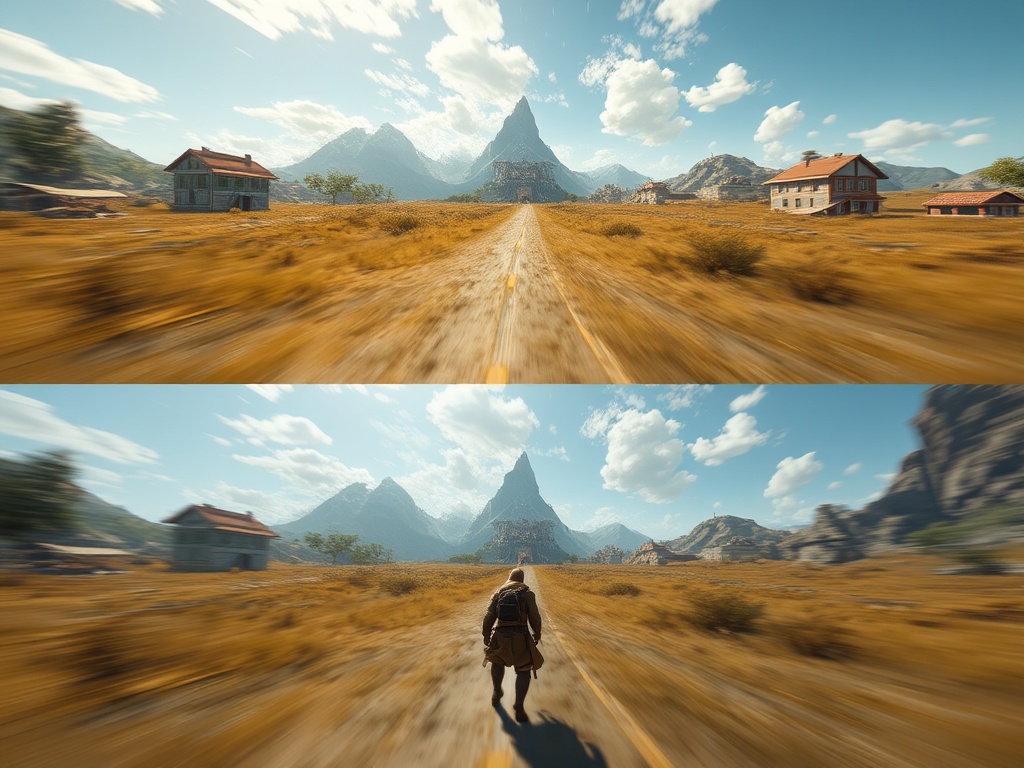
- Traversal stutter in open worlds
- CPU bottlenecks from bad threading
No setting will save that. That's on the developers—and more often than not, "The Suits" who pushed it out early.
But for everything else? This one adjustment fixes more "it feels off" complaints than anything else I've tested.
The Bottom Line
If your game feels bad, stop chasing FPS. Start stabilizing frame delivery.
Cap slightly below your refresh rate. Give your system breathing room. Let the hardware do its job properly.
It's not flashy. It won't show up in marketing slides. But it's the difference between a game that looks good and one that actually feels right.
Respect your time. Respect your hardware.