The Ultimate Guide to Optimizing Your Gaming PC: Tips and Techniques

Introduction
In this comprehensive guide, we will walk you through the essential steps to optimize your gaming PC. Whether you're a casual gamer or a competitive esports enthusiast, having your PC running smoothly can make all the difference. Let’s dive into performance tuning, hardware upgrades, and software adjustments.
Hardware Upgrades
The first step to improving performance is ensuring that your hardware meets the demands of modern games. The GPU is the most critical component, but your CPU and RAM are just as important...
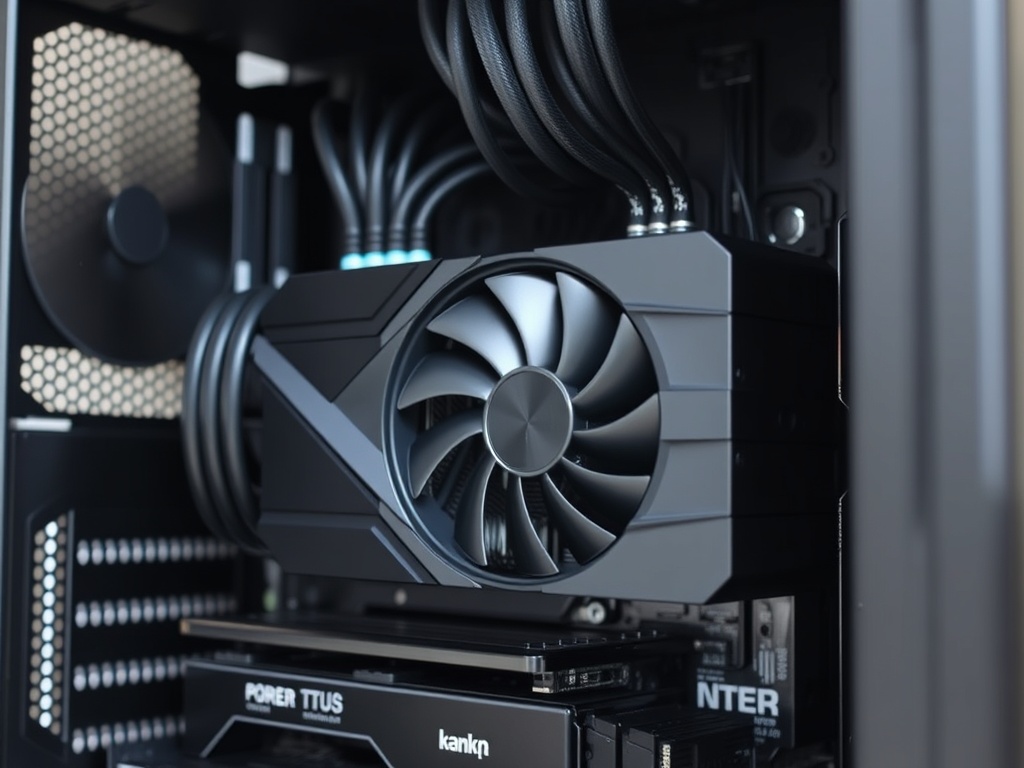
Optimizing Your GPU
Your graphics card is the heart of your gaming experience. Overclocking your GPU can unlock more performance, but it’s essential to manage the temperature...
CPU Tuning for Maximum Performance
Even with a powerful GPU, an underperforming CPU can bottleneck your gaming experience. Let’s explore some basic overclocking tips to squeeze out extra power from your processor.
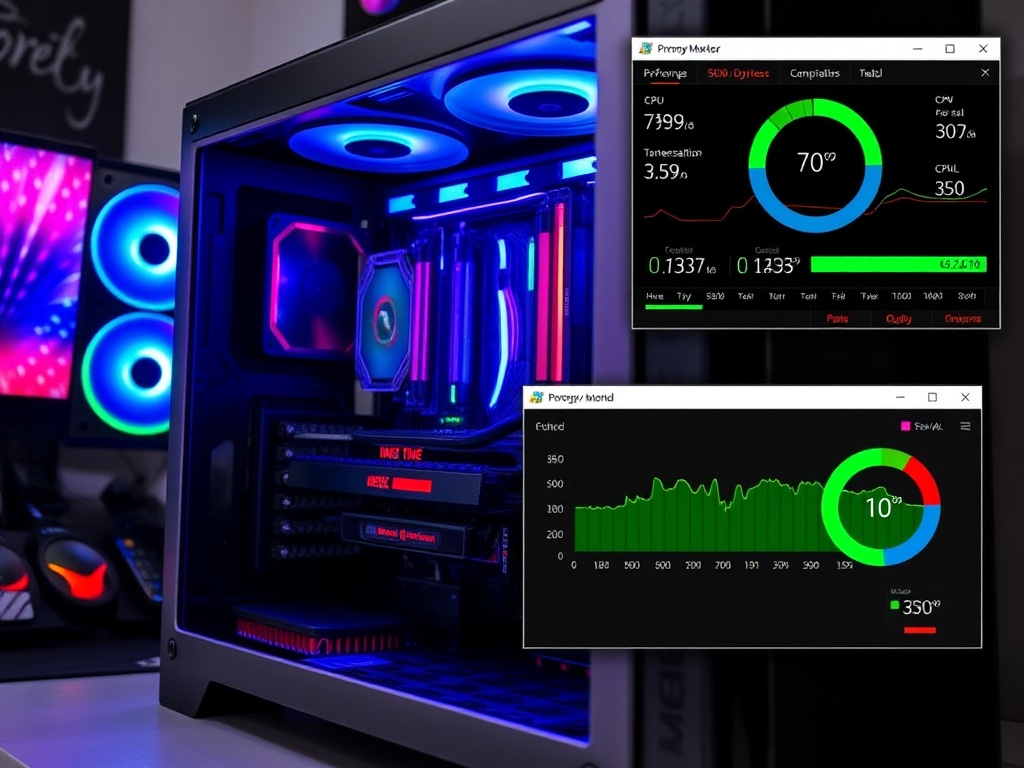
RAM and Storage Optimization
Upgrading your RAM or switching to an NVMe SSD can drastically improve load times and overall system responsiveness. Here’s how you can achieve these upgrades and ensure your system isn’t wasting valuable resources.
Software Adjustments
Once your hardware is optimized, tweaking your system software can further boost performance. This includes adjusting in-game settings, optimizing background processes, and utilizing tools like MSI Afterburner for GPU tweaks.
Maintaining Your System
Keep your system in top shape by regularly cleaning it, updating drivers, and ensuring your cooling system is functioning efficiently...
The Verdict
Optimizing your gaming PC is a balancing act between hardware upgrades and software tweaks. Start with the basics, then refine your setup with advanced tuning techniques. After all, the smoother your gameplay, the more enjoyable your experience.